
 BLOG
BLOG
How to choose an RTK base station for your drone: insights from an application engineer
Thinking about stepping into survey-grade drone mapping? If you’re exploring high-precision workflows like construction, mining, or infrastructure inspections, you’ve likely come across drones with RTK (real-time kinematic) and PPK (post-processing kinematic) capabilities. At this stage, it’s crucial to understand that to achieve true survey-grade accuracy, you’ll also need a GNSS base station—often called an RTK GPS base station—in your setup to feed your drone accurate corrections.
A base station is the key to achieving centimeter-level accuracy in your drone mapping. But with so many options available, how do you choose the right one? This guide explains how an RTK base fits your drone with an RTK GPS system, what to check for compatibility, and how to set up your base station efficiently.
To help you make an informed decision, Emlid application engineer Kirill Pavlyuchuk, who has supported countless professionals in optimizing their drone workflows, breaks down the key factors to consider when selecting a GNSS base station for RTK and PPK drone mapping setups.
- Compatibility. Will the RTK base station work with your drone?
- Versatility. Can a single GNSS receiver handle multiple tasks?
- Rugged design. Does it withstand your fieldwork conditions?
- Fast workflows. How long does it take me to set up an RTK base station?
- Price. How do you balance cost and performance?
- Choosing the right GNSS base station
- Why choose the Reach base for your drone?
- FAQ
Compatibility. Will the RTK base station work with your drone?
The first and most critical factor to consider when choosing a GNSS base station is compatibility with your drone. Base stations come in two main types: proprietary (from the same brand as the drone) and third-party equipment. Proprietary units are designed to work exclusively with a specific drone brand, offering seamless integration but limited flexibility. Third-party receivers, on the other hand, can be used across multiple drone models, provided they support the proper correction formats and connection protocols.
If you go with a third-party receiver, here’s what to check to ensure full compatibility with your workflow:
- Correction format. Ensure your drone supports RTCM3 messages, the standard for RTK corrections. Most modern RTK drones, including DJI, Autel, Skydio, and other leading brands, use this format.
- Connection method. Look for a base station that can send corrections over the internet via NTRIP (Networked Transport of RTCM via Internet Protocol) and through a direct local connection. This flexibility benefits remote survey sites with unreliable or unavailable internet access. Having both options ensures you can maintain an RTK link regardless of your location.
- PPK log compatibility. If you’re using PPK, ensure the base station can record RINEX logs compatible with your post-processing software. Even if you primarily survey in RTK, having PPK as a backup is invaluable, especially when real-time connections are unstable or unreliable.
- Presets for processing services: If you use PPP service to define your base position, consider GNSS receivers with built-in presets for popular processing services such as NRCan, OPUS, and AUSPOS. This eliminates complex configuration steps and ensures accurate base positioning for post-processing.
- Easy configuration and software integration. Choose a base station that fits easily into your existing workflow. It should connect smoothly with your drone’s flight-planning tools, be compatible with third-party post-processing platforms, and offer a user-friendly interface for fast setup and configuration. This is especially important if your aircraft uses an internal RTK GPS module that expects specific message types.
A base station that checks all these boxes won’t just work with your drone—it will strengthen your entire RTK GPS system and mapping workflow.
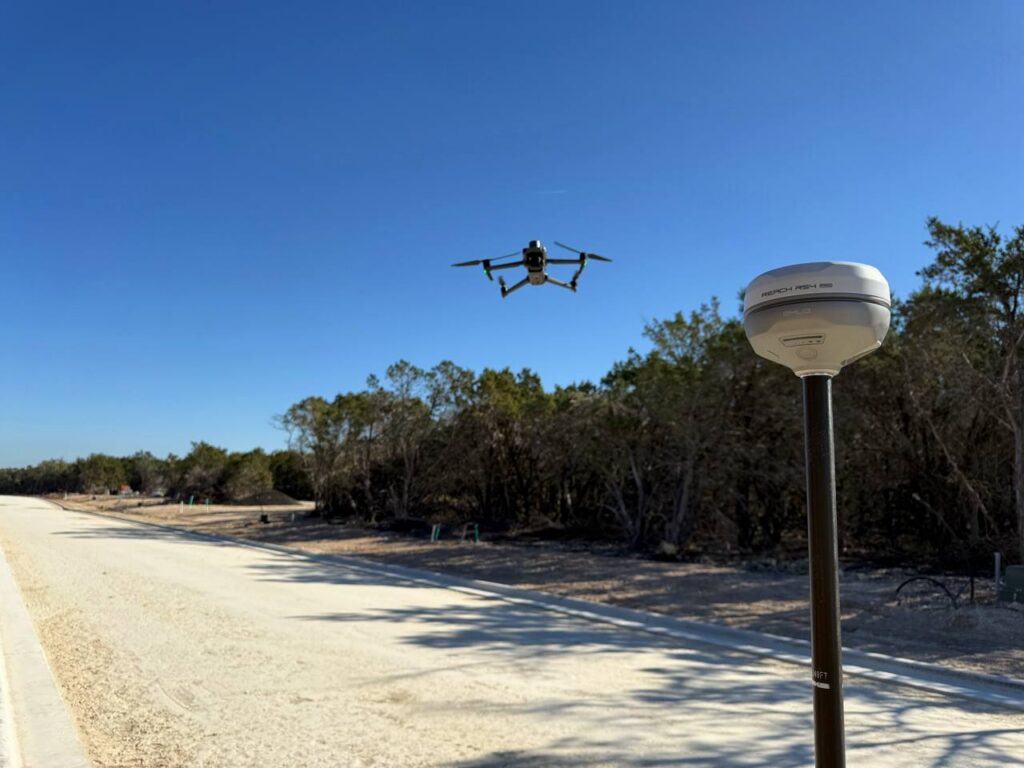
Versatility. Can a single GNSS receiver handle multiple tasks?
A truly versatile GNSS receiver should offer more than just drone corrections. Look for a unit that can switch roles, working as both a base station and a rover. This allows you to use the same device not only for RTK drone flights but also for collecting ground control points (GCPs), staking out, and topographic surveys. This “one unit—many jobs” approach often outperforms a drone-only RTK station that can’t double as a rover.
In addition to role-switching, versatility means compatibility. While proprietary base stations are locked to specific drone brands, third-party receivers can work across multiple drone models in your fleet, making them a smarter long-term investment.
A flexible GNSS receiver streamlines your gear setup, supports diverse surveying tasks, and grows with your business.
Rugged design. Does it withstand your fieldwork conditions?
Drone operations often take place in challenging environments. A GNSS base station should withstand tough conditions, including extreme temperatures.
- Ensure your base unit can operate reliably in extreme temperatures, both hot and cold, to withstand challenging field conditions.
- A reliable base station should have a long battery life to avoid interruptions in the field. Receivers that can operate 10+ hours on a single charge are ideal for full-day drone missions. An option to charge it from a power bank would also come in handy in the field. If you frequently mount your base on a roof or mast, treat it like a permanent GNSS reference station and plan for weather exposure.
These features ensure the receiver performs reliably, from construction sites to remote agricultural fields, even in harsh environments.
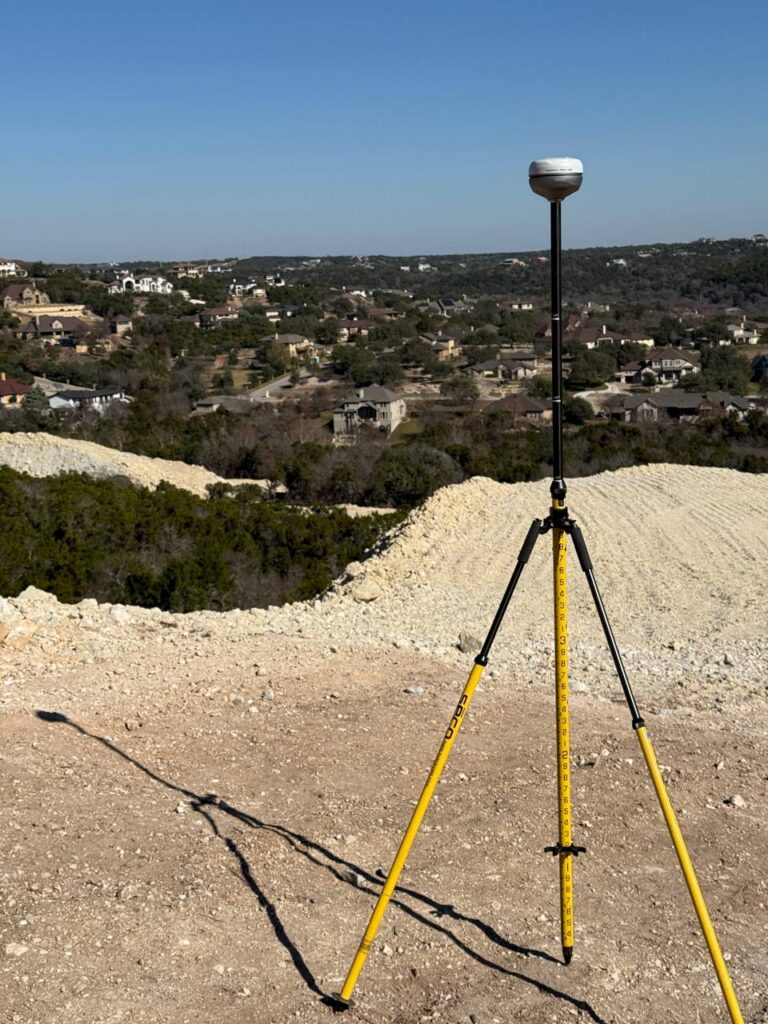
Fast workflows. How long does it take me to set up an RTK base station?
We bet you don’t want to spend time troubleshooting equipment in the field. A base station should be fast to set up, requiring just a few clicks to get started.
To make sure the base station you’re considering is truly easy to use, look for:
- Minimal configuration steps with presets for processing services and simplified RTK/PPK settings, so you don’t need to adjust complex parameters manually.
- An intuitive mobile app that lets you start logging data or sending corrections within minutes.
- Guided workflows. Check the manufacturer’s setup guides or user-made video tutorials. These resources will give you a good idea of how long the setup takes and how beginner-friendly it is. The shorter the checklist, the faster you can fly and process data.
A well-designed base station saves valuable time, ensuring you can focus on capturing high-precision data rather than dealing with complicated setup processes.
Price. How do you balance cost and performance?
Some proprietary base stations may appear more affordable at first glance. However, it’s essential to evaluate the total cost of ownership when choosing a GNSS receiver.
That means looking beyond the receiver’s price and considering additional factors such as:
- software subscriptions,
- access to RTK correction services,
- extra devices needed for tasks like measuring GCPs or layout work.
A universal GPS base station might cost more upfront, but it can replace multiple tools, work across different drone models, and reduce ongoing software expenses—delivering better long-term value.
Choosing the right GNSS base station
| Feature | Reach RS4 | Third-party base stations | Proprietary base |
|---|---|---|---|
| Compatibility | Compatible with various drones that support the RTCM3 format (DJI, Autel, Wingtra, etc.) | Compatible with various drones that support the RTCM3 format (DJI, Autel, Wingtra, etc.) | Works only with the same drone brand |
| RTK & PPK Support | Supports both RTK and PPK workflows | RTK is widely supported; PPK availability depends on the receiver model | Supports RTK; may have limited PPK capabilities |
| Connection methods | Works with NTRIP and local NTRIP corrections even without internet in the field | Most models support NTRIP connection over the internet | Often limited to the manufacturer’s ecosystem (proprietary radio or NTRIP) |
| Versatility | Functions as both a base station and a rover for GCP collection or other surveying tasks | Some models can act as rovers, but usually require extra accessories or software | Primarily a base for the drone; not intended for other use scenarios |
| Ease of setup | Quick setup (up to 5 min) via the Emlid Flow app | Setup involves multiple steps and requires trained personnel for efficient operation | Typically designed for plug-and-play within its ecosystem |
| Battery life | Up to 20 hours on a single charge | Varies by model; typically 9–15 hours | Typically 8–10 hours |
| Temperature resistance | Operates reliably in extreme temperatures, from –20 to +65 °C | Varies by model; may be suitable for harsh environments | Varies by model; may be suitable for harsh environments |
| Total cost of ownership | Affordable price with no mandatory software fees | High upfront price; extra costs may be required for software subscription or firmware updates | Affordable price; extra costs may be required for software subscription |
In short, proprietary bases are easy to use but limited to one ecosystem. Third-party bases vary in capabilities and pricing but offer more flexibility. Reach RS4 is a cost-effective, versatile RTK GPS base station that works with multiple drone brands while supporting both RTK and PPK.
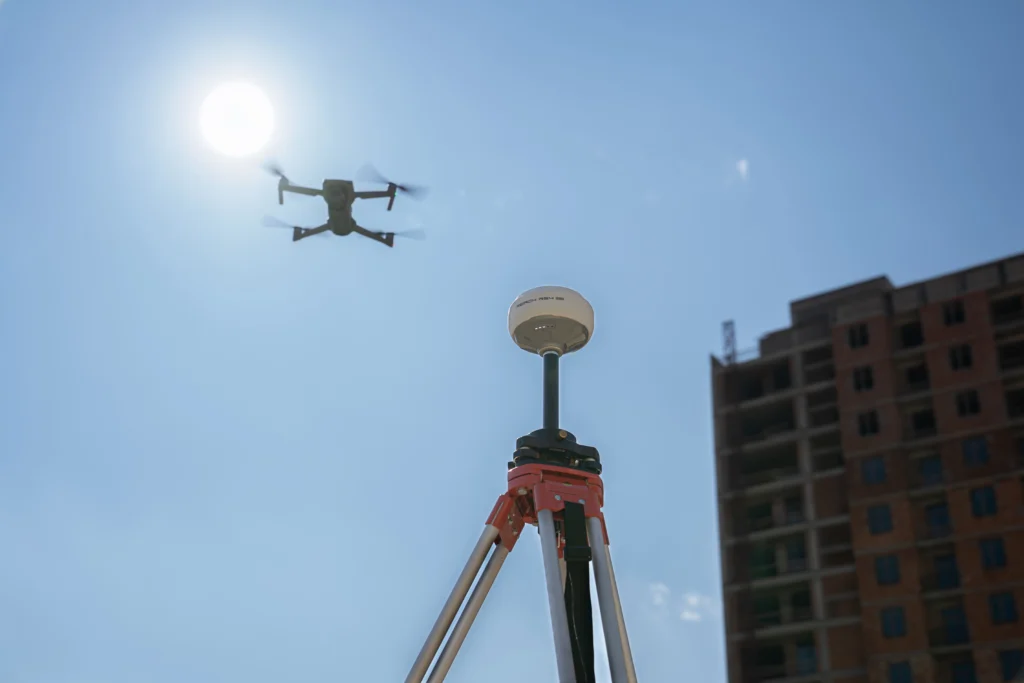
Why choose the Reach base for your drone?
Overall, when choosing a base station, you need something easy to set up, reliable in the field, and versatile enough for different projects. Here’s why Reach RS4 stands out:
- Compatible with most RTK drones (DJI, Autel, Wingtra, and others)
- Supports both RTK and PPK workflows
- Works with or without the internet (NTRIP + Local NTRIP)
- Can act as a base and a rover
- Has a long battery life and a rugged design for harsh field conditions
As an all-in-one GNSS receiver, Reach RS4 offers a great balance of price, performance, and ease-of-use for both drone and land surveying applications. If you already fly with an onboard RTK GPS module, using Reach RS4 as your RTK station keeps your ecosystem consistent from field to office.
Need help choosing the right RTK base for your drone? Talk to Kirill.
Visit our webpage, and let’s make your aerial mapping more precise than ever!
FAQ
How does an RTK base station work?
An RTK base measures its own position continuously and sends real-time corrections to your rover—or your drone—over NTRIP or a local link. The drone’s receiver uses those corrections to resolve ambiguities and compute centimeter-level positions. If real-time is unavailable, you can log raw RINEX data for further post-processing.
How to set up an RTK base station for a drone?
Place the base over a known point, level the pole or tripod, set the coordinate system, then start broadcasting corrections via NTRIP or local network. Use a guided app (e.g., Emlid Flow) to start logging and manage mountpoints. This quick process keeps your RTK GPS system consistent across sites.